


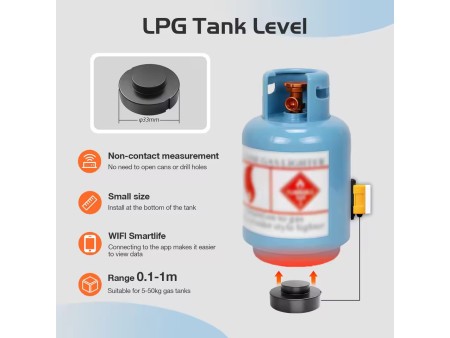
Confirmation before installation
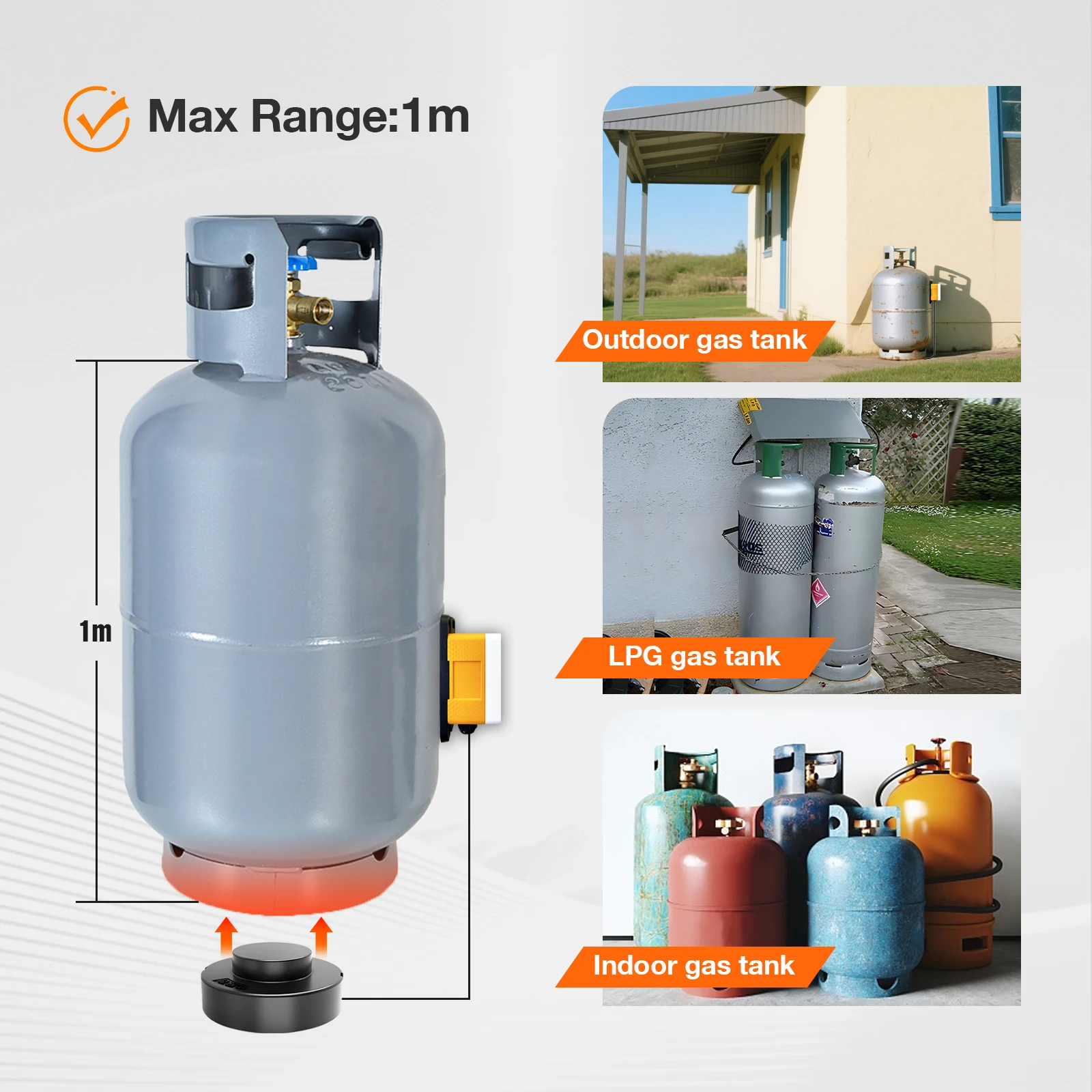
1. Bottom thickness of gas tank (recommended ≤ 5mm)
2. Are there any sediments or impurities that may affect ultrasonic penetration
3. Check if the material of the ground gas tank is hollow (hollow is not applicable)
Product Usage Scenarios
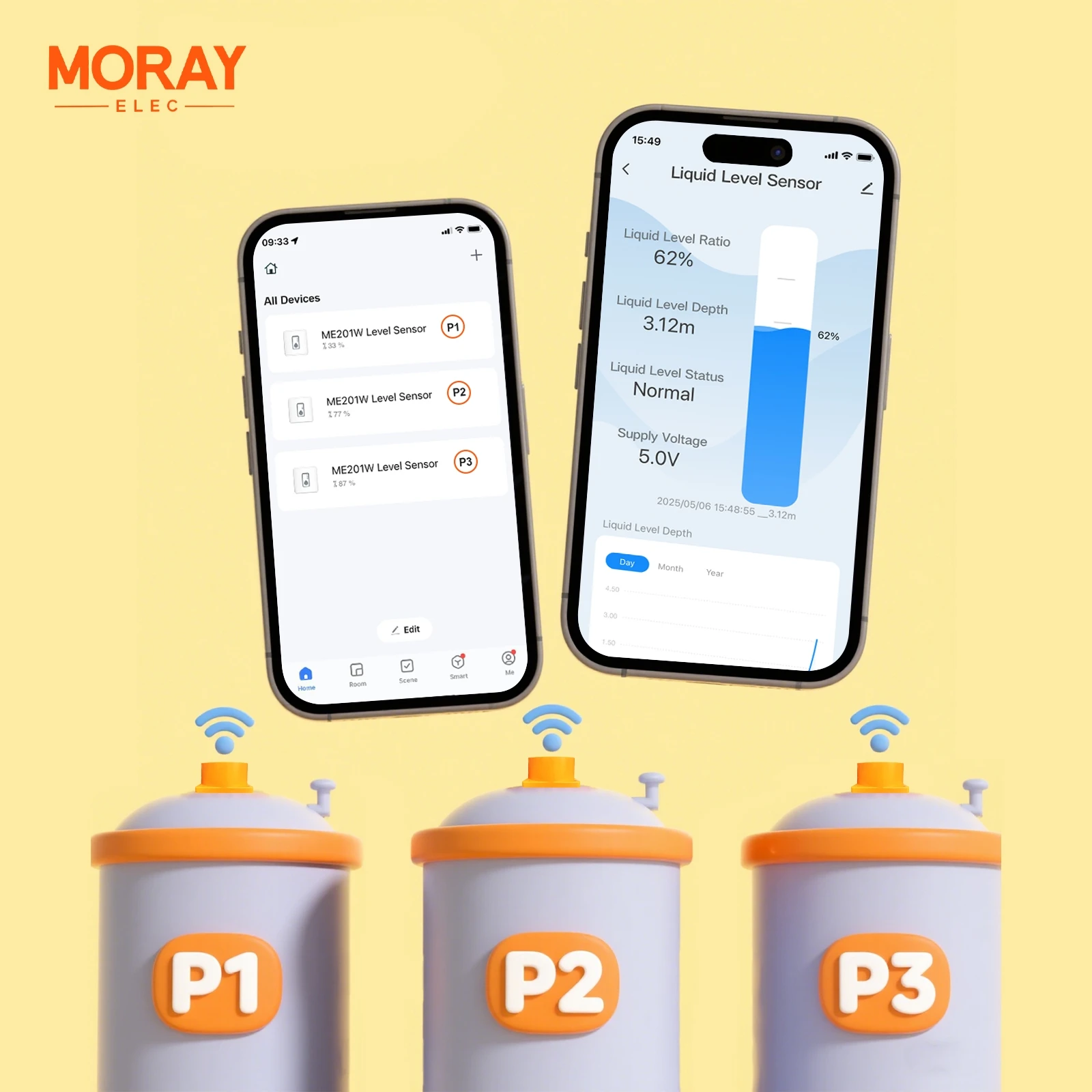
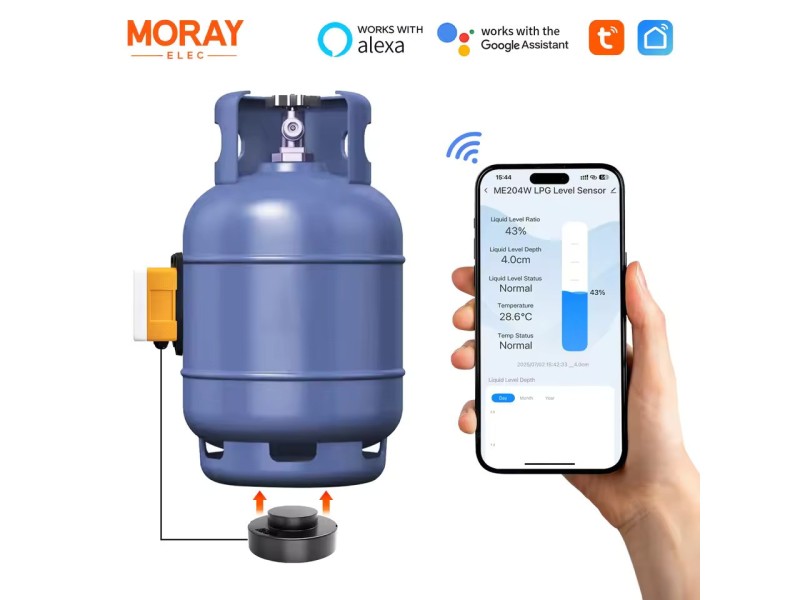
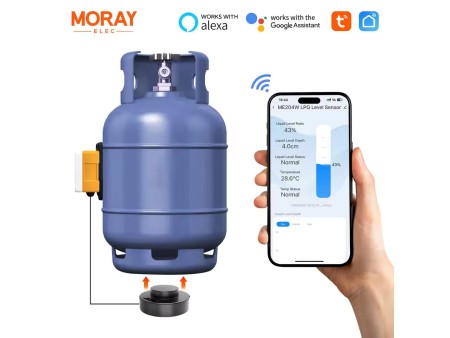
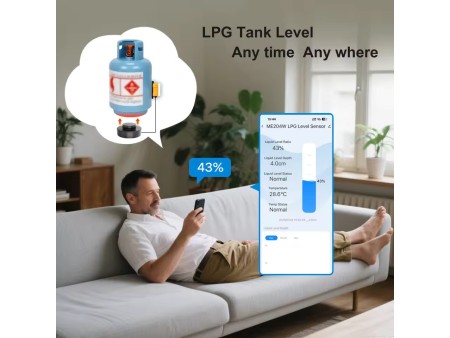
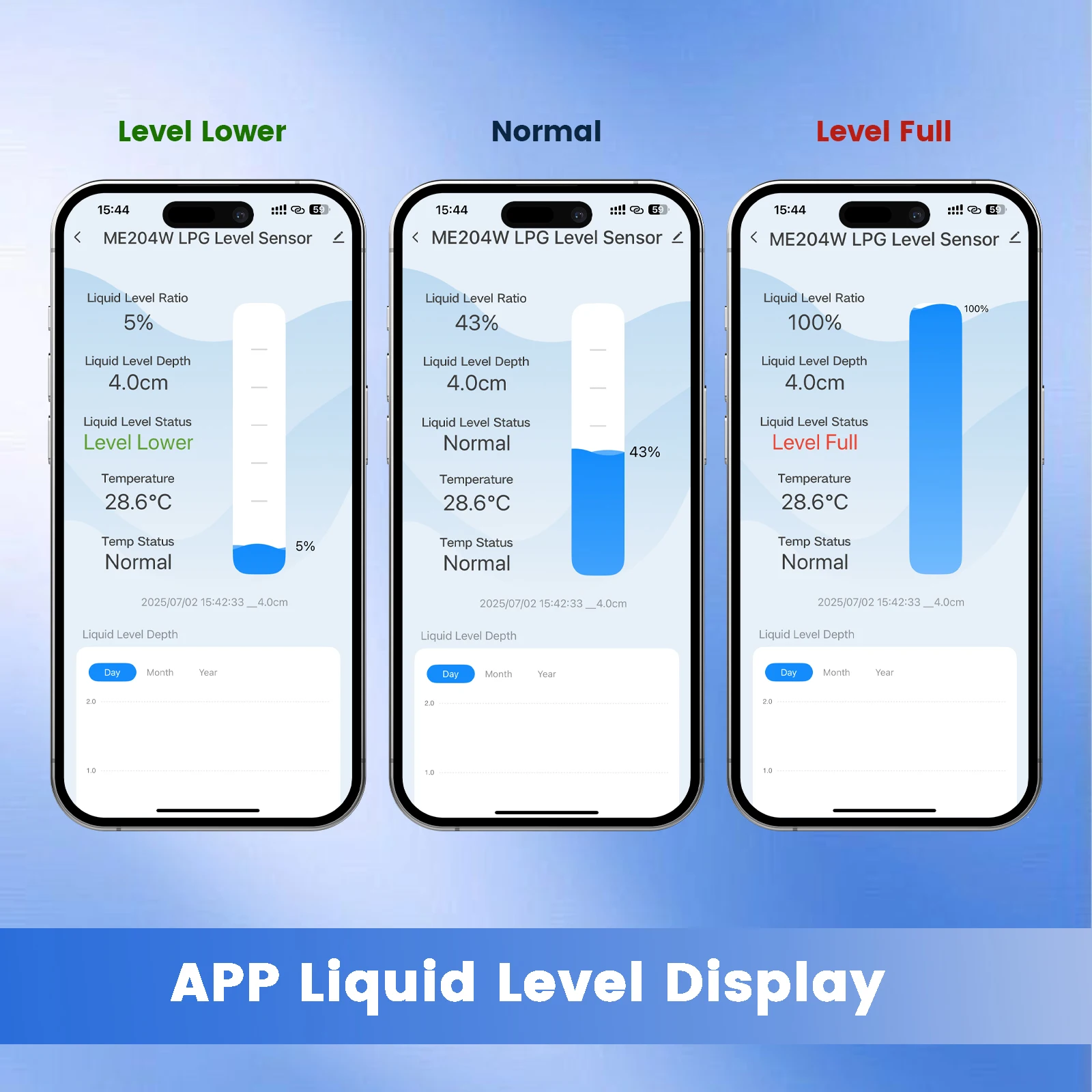
Monitor data Anytime,Anywhere on the App
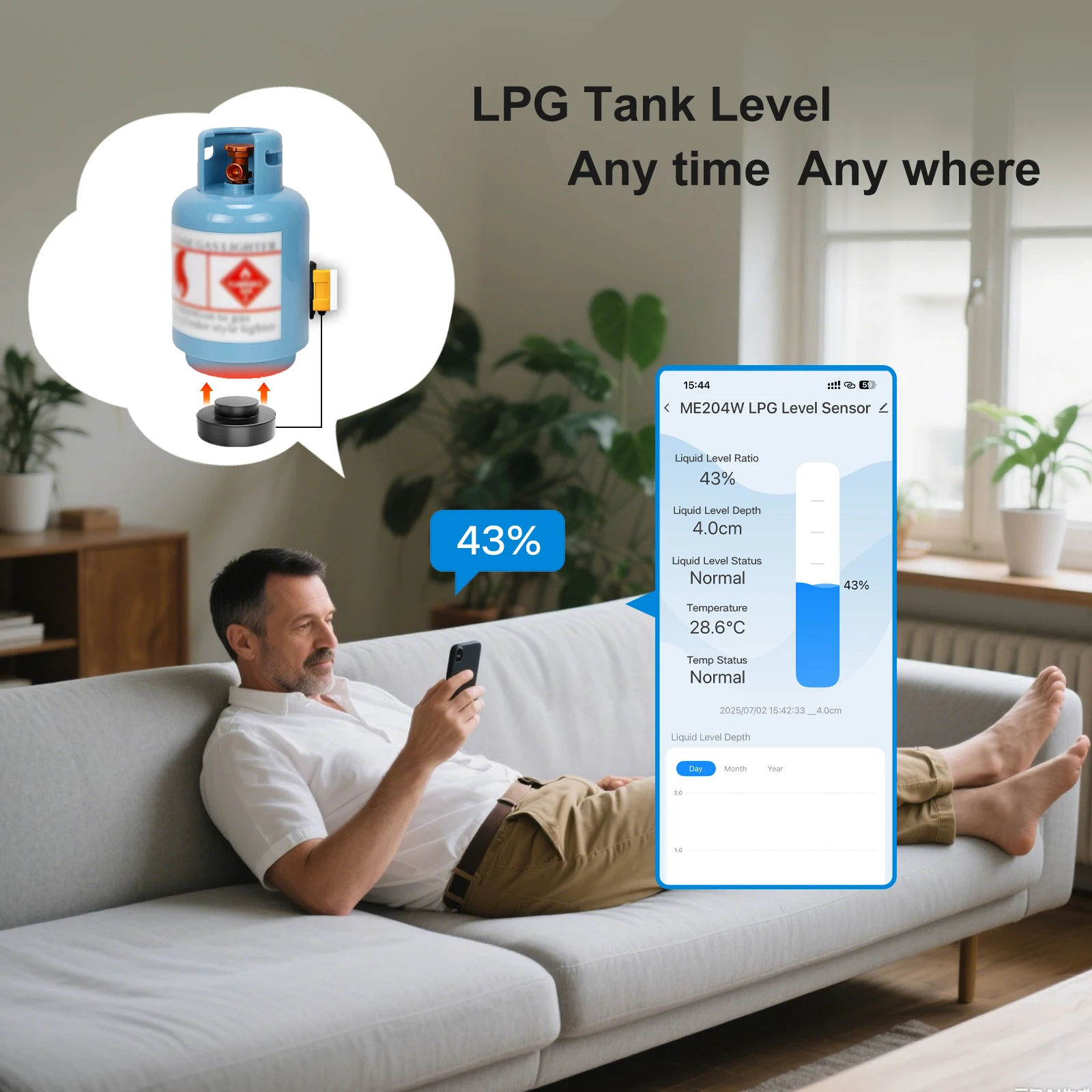

·Real time monitoring of LPG liquid level to avoid sudden gas depletion
·Watch the liquid level changes on the mobile app and remotely monitor the gas volume
·Set the liquid level height and ambient temperature to enhance safety
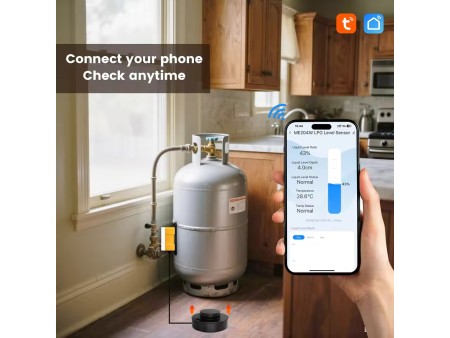
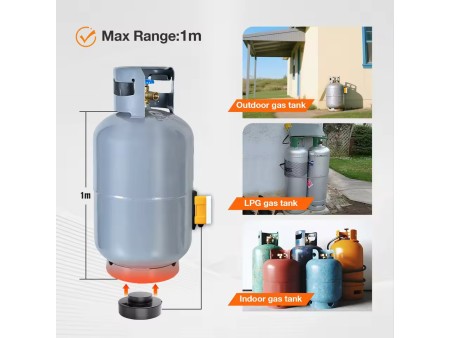
·Suitable for various scenarios such as home, dining, RV camping, etc
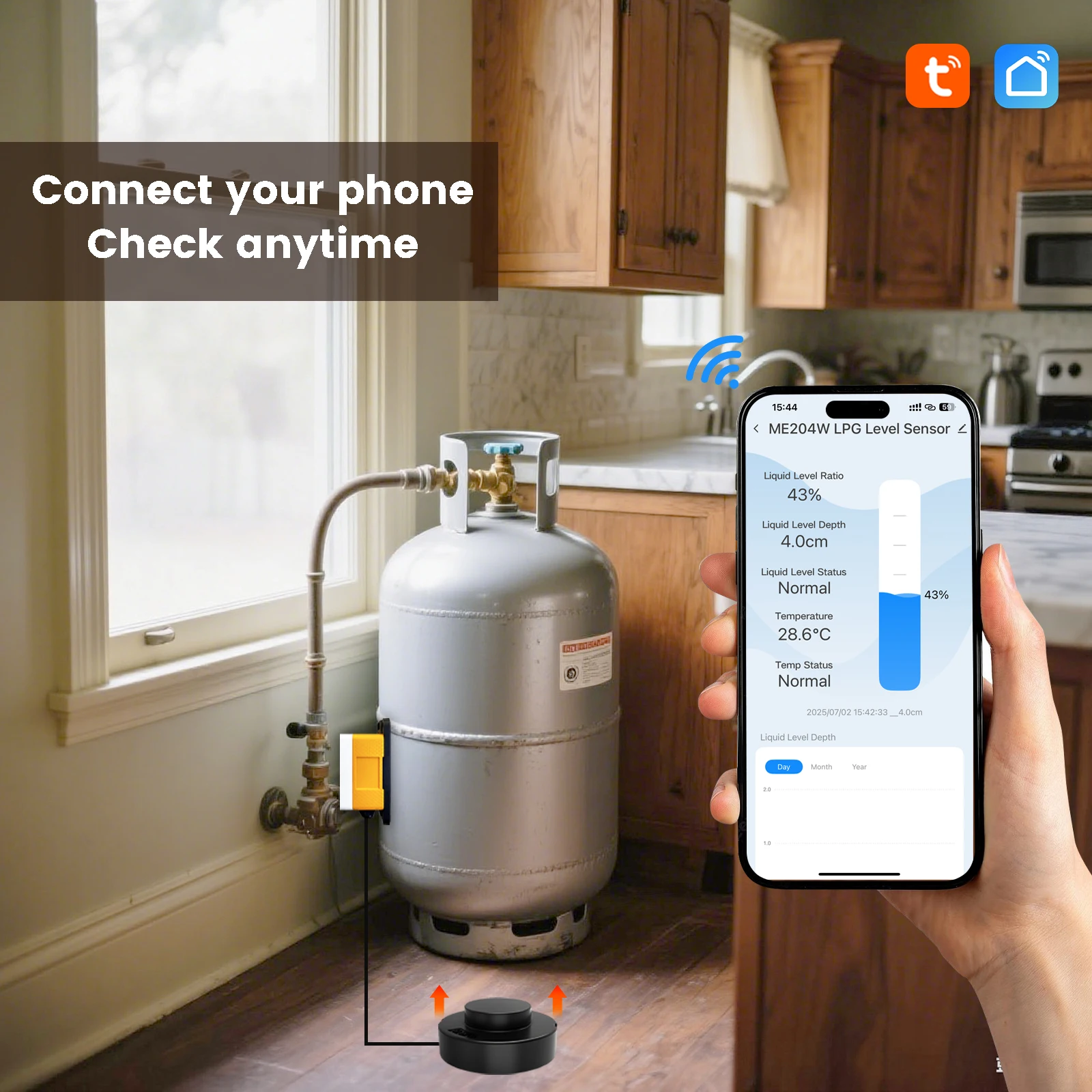
·Supports WiFi connection to Tuya/SmartLife APP, allowing remote viewing of historical and real-time data, and receiving alerts
Usage Method
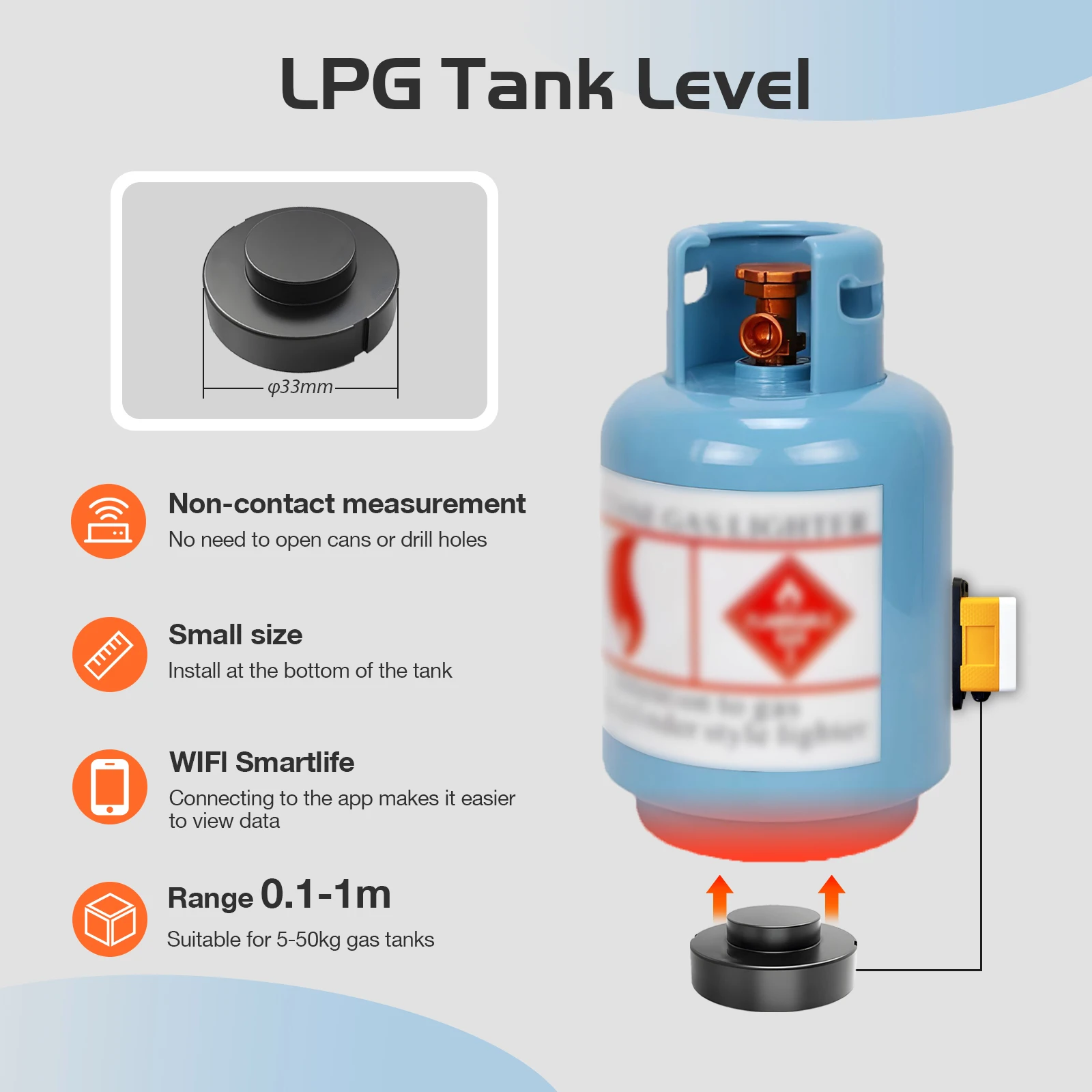
1. Clean the bottom of the tank Wipe the bottom of the gas cylinder clean to ensure there is no dust, oil stains, or foreign objects.
2. Positioning Center
Find the center point at the bottom of the gas cylinder (for optimal measurement results)
3. Apply coupling agent
Apply coupling agent evenly on the center of the tank bottom and the surface of the sensor probe when touching the ground.
Paste sensor
4. Use glue to fix the sensor in the center of the tank bottom
5. Connect to the app
Connect to Tuya/SmartLife App via WiFi, set the liquid level height and environmental temperature parameters, and start monitoring.
Product Usage Steps
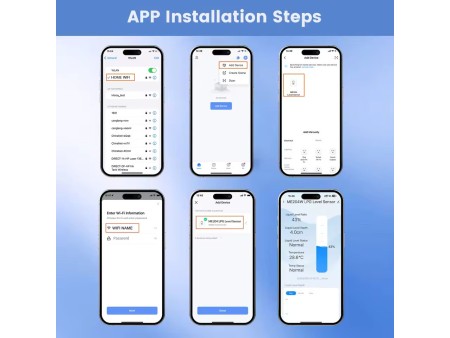
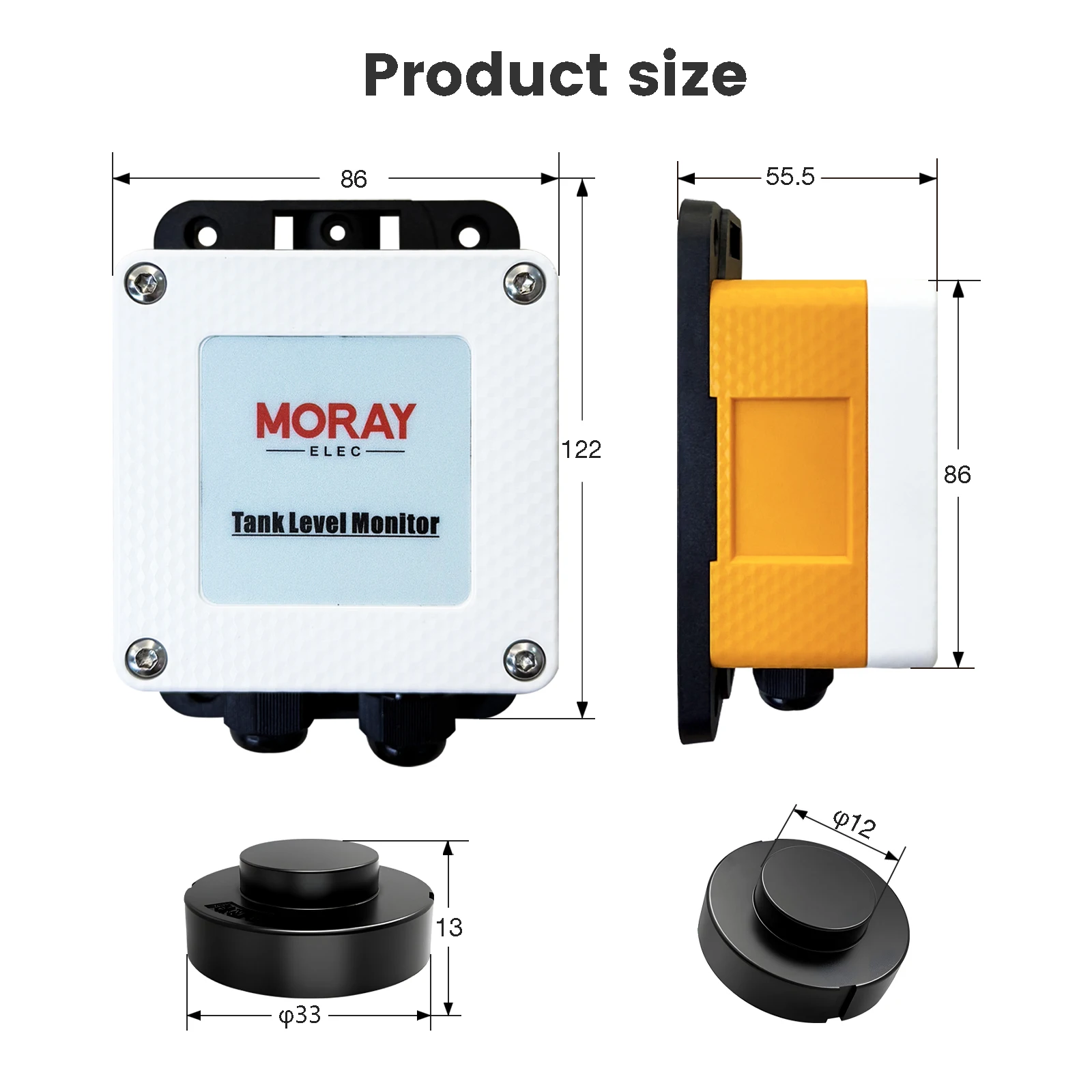
1.Power on the AC/DC ADAPTOR first, and then power on the sensor.
2.Scan code to download “TUYA Smart APP" or “Smart Life APP" on mobile device.
3.Network Reset
Press and hold the button for 5s, the led light flashes rapidly, then release the button, the network reset, the deviceconnect
to the network automatically.
4.Connecting Sensors to APP.
Turn on the WiFi and Bluetooth of your phone,enter the app and add device.

Multi-Tank Monitoring